A static website delivers pre-built files to every visitor. No database queries, no server-side rendering, no waiting. This sounds like a limitation until you see what people actually build with it.
These static website examples span documentation, portfolios, businesses, blogs, and landing pages. All of them serve static HTML. All of them load fast, cost little to run, and need zero server maintenance. If you are wondering what a static website is before diving in, that primer covers the fundamentals.
Documentation sites
Developer documentation is where static architecture dominates. These sites have thousands of pages, support search and internationalization, and handle millions of monthly visitors, all from pre-built HTML files.
1. Vue.js Docs (vuejs.org)
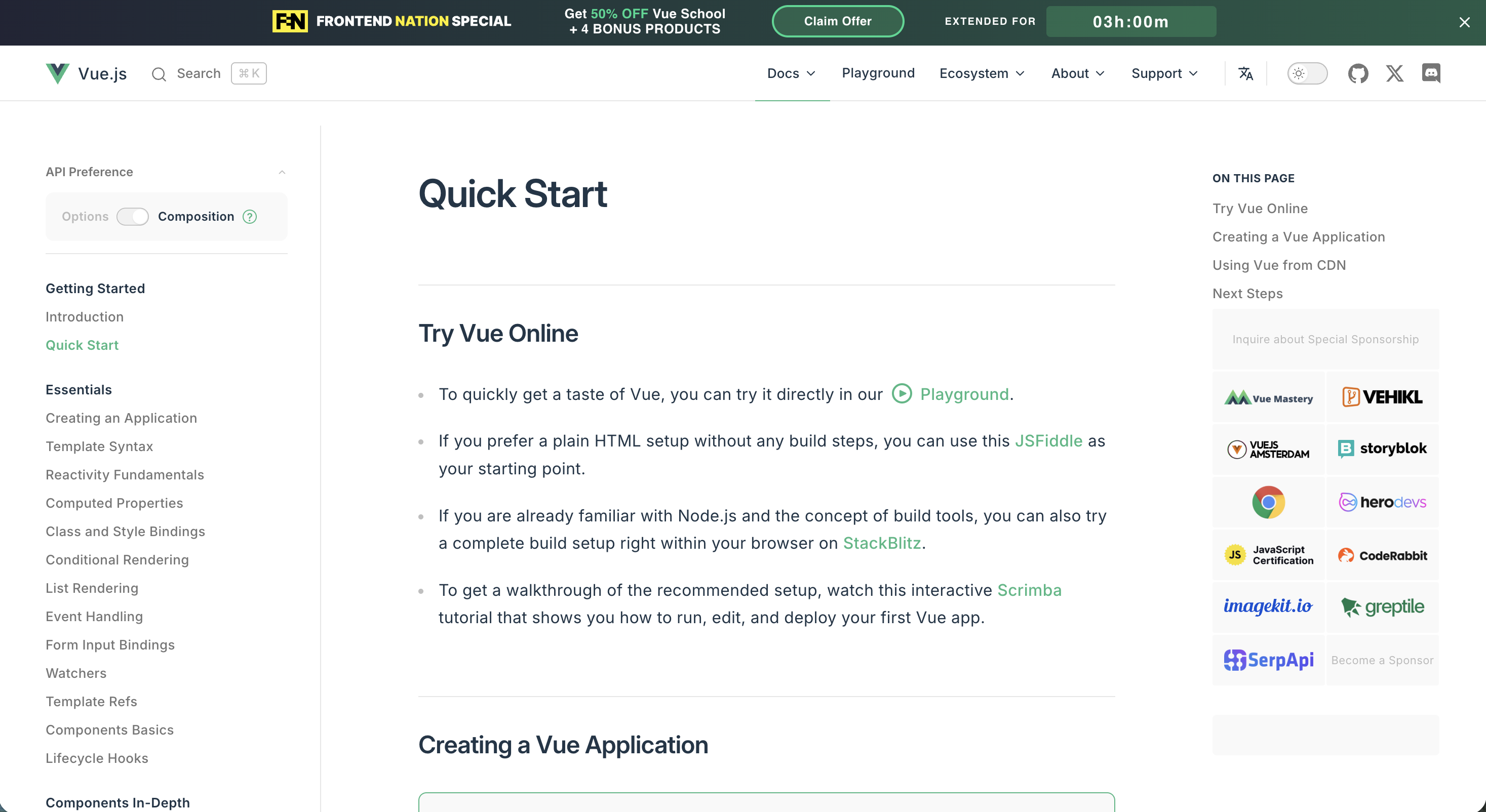
Built with VitePress, a static site generator created by the Vue core team. Pages are pre-rendered to HTML at build time, then hydrate into a single-page app for client-side navigation. The result feels instant: static speed on first load, app-like transitions between pages.
2. Cloudflare Developer Docs (developers.cloudflare.com)
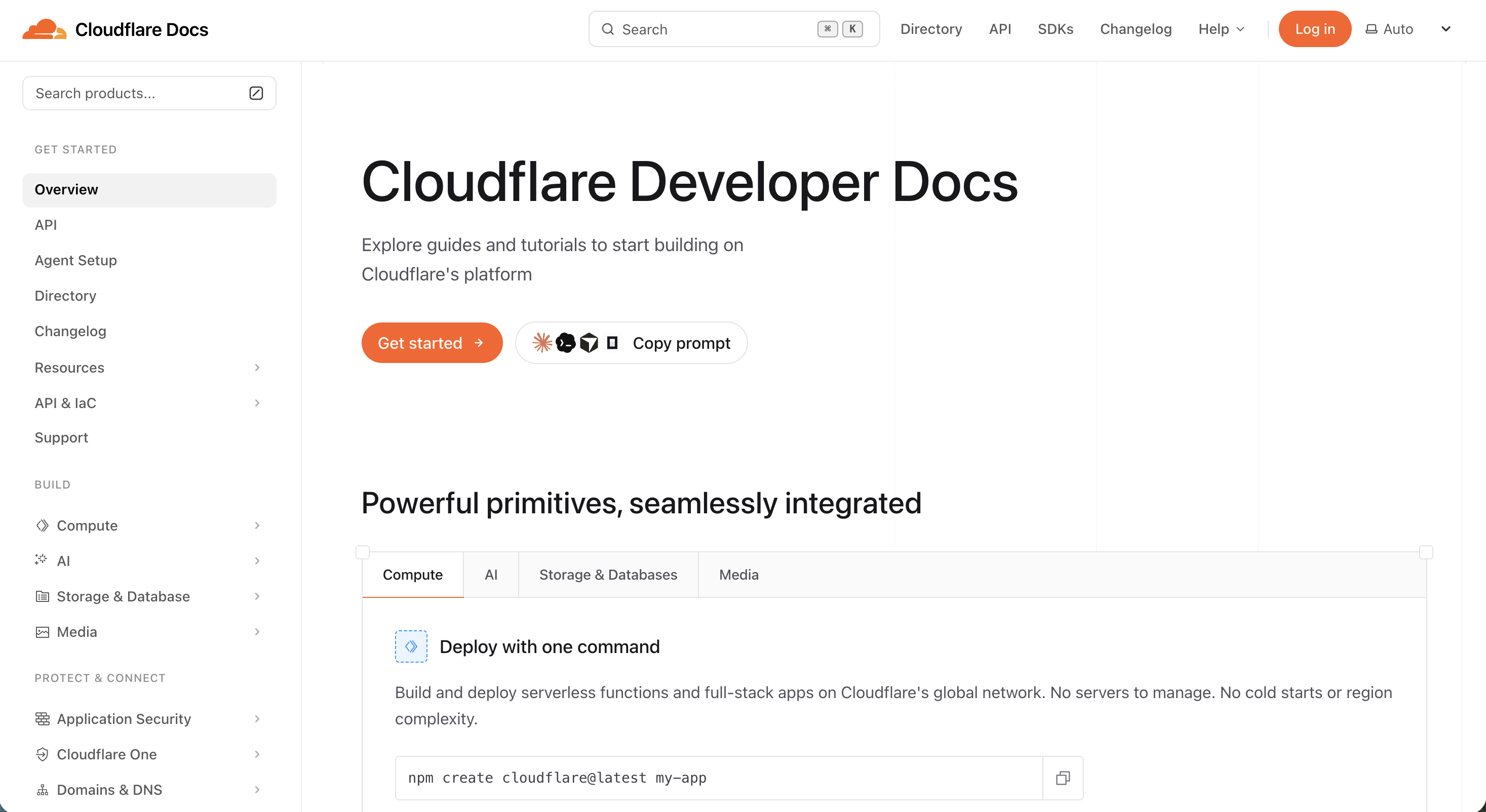
Cloudflare migrated their developer documentation to Astro 5 with Starlight. The entire source is open on GitHub (cloudflare/cloudflare-docs). For a company that processes millions of requests per second, choosing static for their own docs says something about the architecture’s reliability.
Portfolios
Portfolios are the natural use case for static sites. The content rarely changes, the audience expects fast load times, and the entire site often fits in a few megabytes.
3. Bruno Simon (bruno-simon.com)

A 3D interactive portfolio where you drive a miniature jeep through a virtual world. Built with Three.js and plain JavaScript. Won Awwwards Site of the Day. The source code is on GitHub (MIT license).
This is the strongest counterargument to “static sites look boring.” The entire experience runs on static HTML, CSS, and JavaScript files. No server-side rendering, no database, no backend. Just pre-built assets served from a CDN.
4. Ari Jayaputra (arijayaputra.xyz)
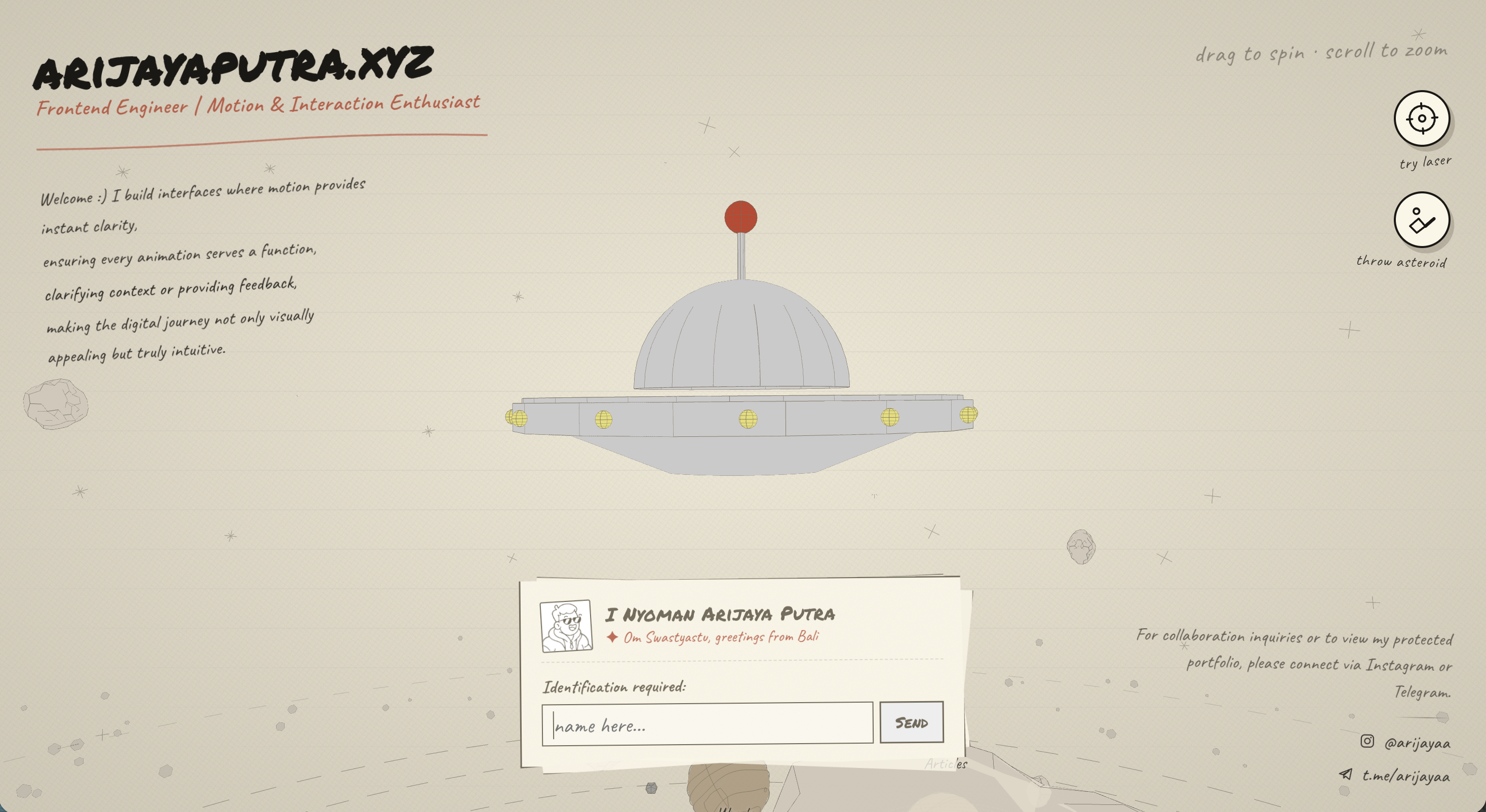
A frontend engineer and motion design enthusiast from Bali. The portfolio uses hand-drawn illustrations and custom typography to create a sketchbook aesthetic that feels unlike anything generated by a template. Every animation runs client-side. The entire site is static assets: HTML, CSS, JavaScript, and image files.
This is a good reminder that static does not mean generic. When the design is distinctive, the architecture disappears. Visitors remember the experience, not the hosting. Need dedicated image hosting? Compare the best free image hosting tools.
5. Dave Holloway (daveholloway.uk)

A full-stack freelance designer and creative developer based in Leeds. The homepage greets visitors with a bold illustrated self-portrait and a personality-driven layout. No stock photos, no cookie-cutter template. Work, services, and an experimental “Lab” section are all pre-rendered pages served from a CDN.
Business and marketing sites
Static is not just for developers. Some of the most-visited business sites on the internet serve pre-built HTML.
6. Notion (notion.com)
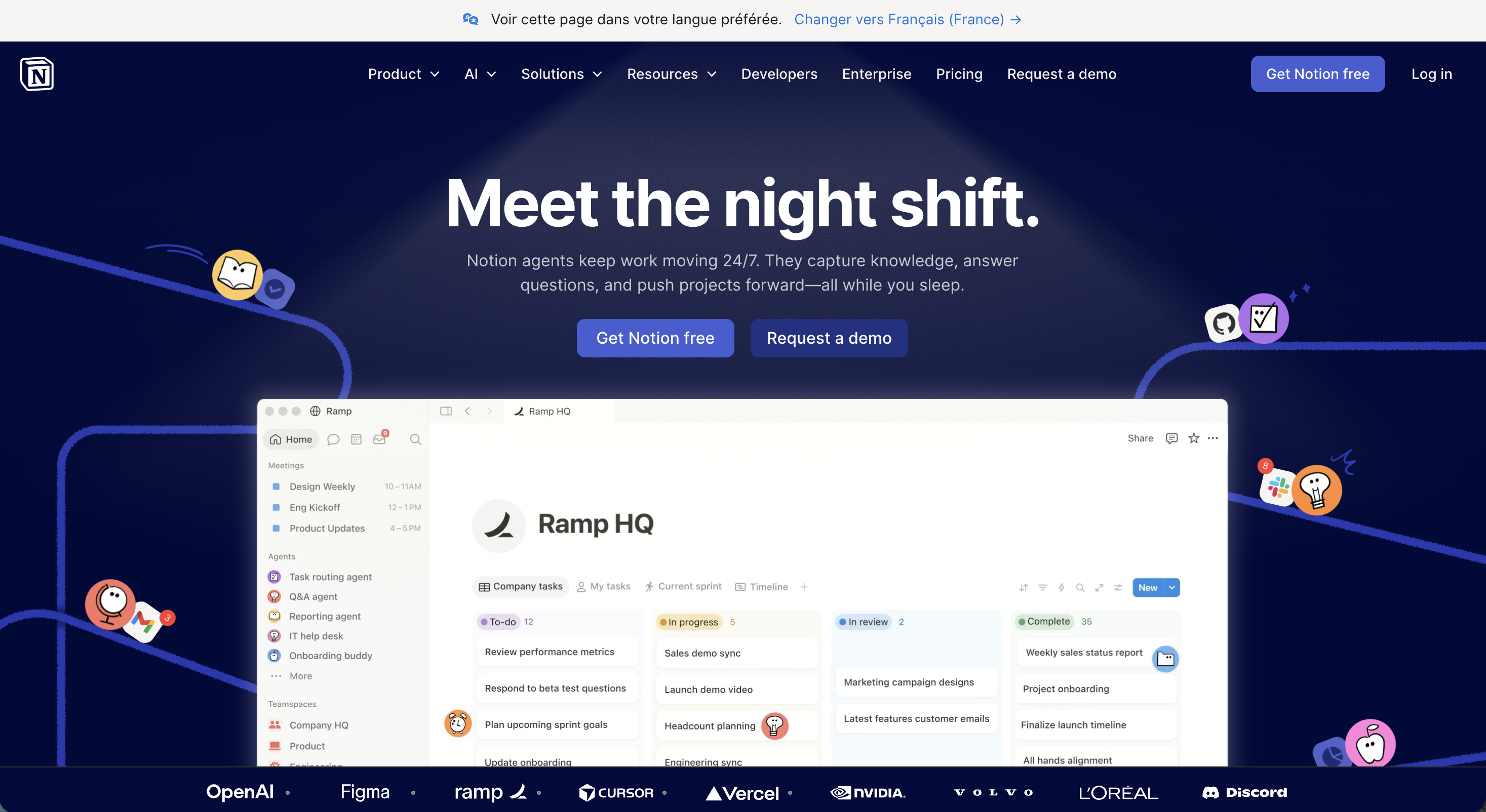
Notion migrated their marketing site from a client-rendered SPA (with a 9.1 MB JavaScript bundle and a Lighthouse score around 50) to Next.js static generation. The engineering team documented the migration publicly. The result: pre-rendered HTML pages that load fast, index well in search engines, and still include rich interactive product demos.
When a company valued at billions chooses static for their marketing pages, the message is clear: static architecture scales.
7. Healthcare.gov (healthcare.gov)

The U.S. government’s Affordable Care Act information site was rebuilt with Jekyll after the original launch’s infrastructure failures. The static rebuild needed roughly 30 fewer servers than the previous CMS-based version and achieved stable uptime. Government sites are a surprisingly common use case for static, where reliability and security outweigh feature flexibility.
8. Hypefluency (hypefluency.com)

A talent and brand strategy agency with a visually bold marketing site. Full-bleed photography, oversized typography, and a scrolling ticker create a high-energy feel without any server-side logic. The entire site is a collection of pre-built pages served directly from a CDN.
This example is useful because it breaks the assumption that static sites are “developer sites.” Marketing teams, agencies, and creative businesses use static architecture when they want speed and design freedom without CMS overhead.
Blogs
Blogs were the original use case for static site generators. Write in Markdown, compile to HTML, deploy.
9. Smashing Magazine (smashingmagazine.com)

One of the most-read web development publications migrated from WordPress to Hugo with Netlify. Load times dropped from 800 ms to 80 ms. The editorial team writes in Markdown, pushes to a Git repository, and Netlify rebuilds the site automatically. Smashing documented the entire migration process in a series of articles.
10. web.dev
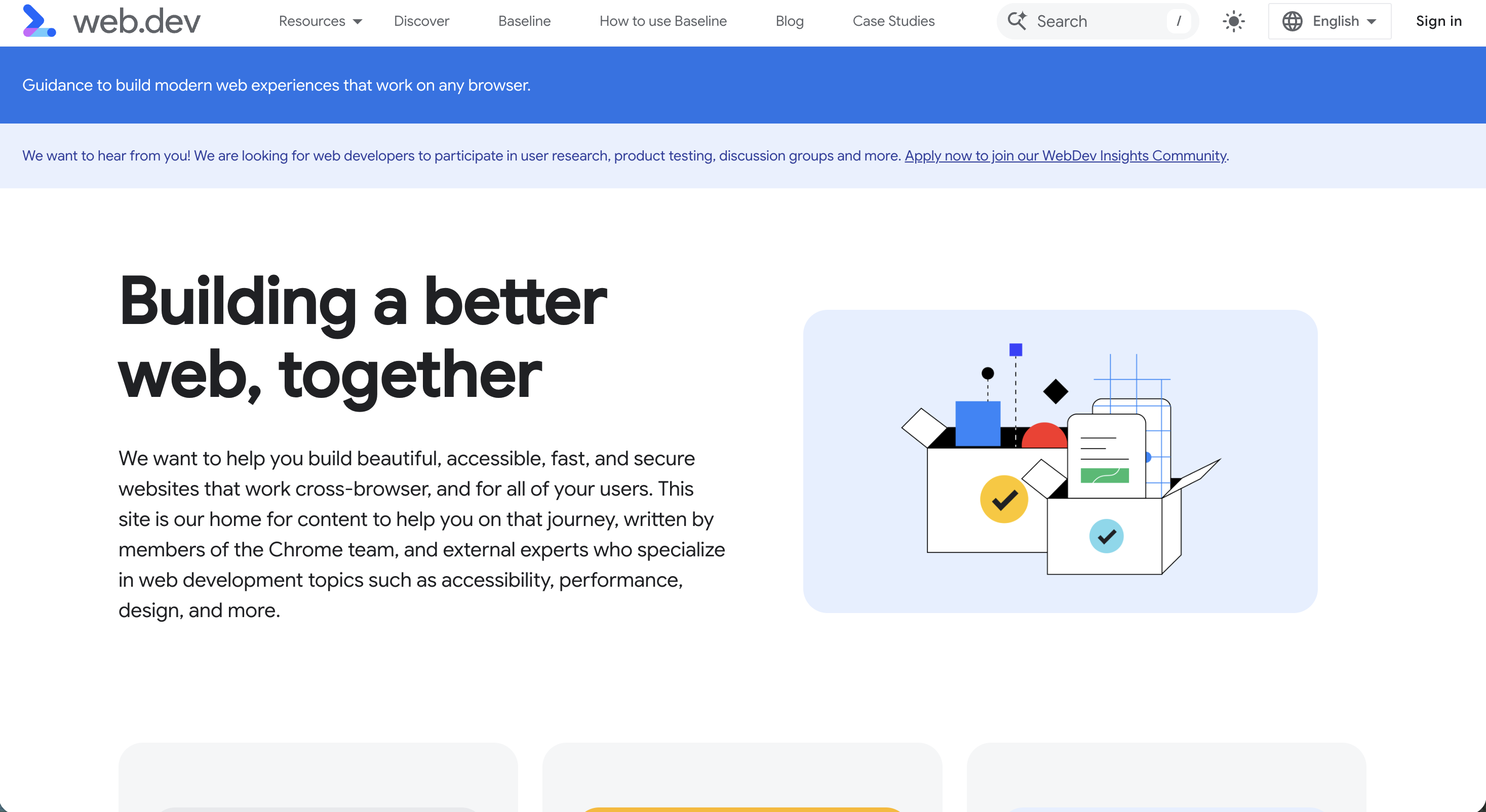
Google’s own web performance and best-practices blog is built with Eleventy (11ty) and served as static HTML. If Google uses a static site generator for their content about web performance, the architecture has passed the credibility test.
Landing pages and brand sites
Landing pages are ideal candidates for static deployment. They rarely change, they need to load instantly (every second of delay reduces conversions), and they benefit from CDN-level caching.
11. Astro Homepage (astro.build)
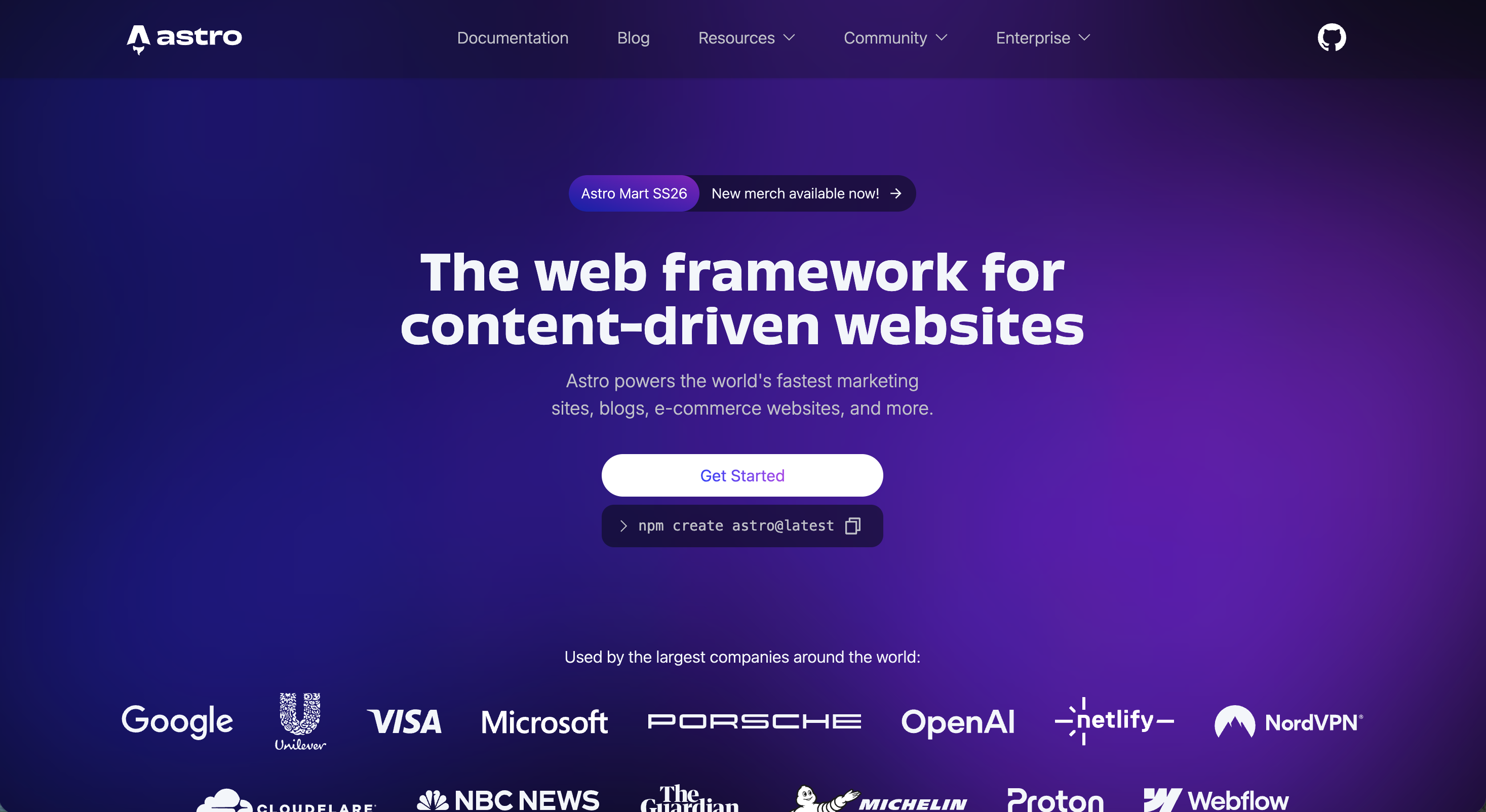
Astro’s marketing site is the canonical example of a zero-JS-by-default landing page. Pre-rendered HTML, minimal client-side JavaScript, fast on every device. It demonstrates what the framework produces when used for its intended purpose: content-focused sites that load in milliseconds.
12. Vettvangur Brand (brand.vettvangur.is)

An Icelandic digital agency’s brand guidelines site. Geometric animations, bold typography, and a dark palette create a striking visual identity. The site serves as a living style guide: colors, typography, logos, icons, and voice guidelines, all delivered as static pages. No CMS, no database, no authentication layer. Just the brand, rendered fast.
Brand guideline sites are an underrated use case for static hosting. They rarely change, they need to load reliably for anyone on the team, and they benefit from the permanence that static files provide.
What these examples have in common
Every static website example on this list shares four characteristics:
Speed. Static files served from a CDN load in milliseconds worldwide. No database queries, no server-side rendering delay. Google’s Core Web Vitals reward this directly in search rankings. Our static site SEO guide covers how to maximize that advantage.
Security. No database means no SQL injection. No admin panel means no brute-force attacks. No plugins means no supply-chain vulnerabilities. Static sites eliminate the attack vectors that account for 96% of CMS hacks.
Low cost. Most of these sites host for free or under $5/month. Even at scale (millions of page views), static hosting costs a fraction of dynamic infrastructure because CDN-cached files cost almost nothing to serve.
Minimal maintenance. No plugin updates, no security patches, no database backups. You edit, rebuild, and deploy. That is the entire maintenance cycle.
Build your own static website
Seeing these static website examples might make you want to try. Here are three paths, from zero code to full control.
No code: Use an AI builder like Bolt.new or Lovable to describe your site in plain English. The tool generates HTML, CSS, and JavaScript files. Upload them to a static host. Our guide to deploying AI-built sites walks through each step.
Some code: Pick a free template from HTML5 UP or an Astro theme, customize the content, and deploy. Our guide on creating landing pages with AI and Astro templates combines both approaches.
Full control: Use a static site generator (Astro, Hugo, 11ty) with your own design. Write content in Markdown, compile to HTML, and deploy to any static host.
Whichever path you choose, the hosting step is the same. Drag your files onto Supadrop and your site is live on a global CDN with SSL and a shareable URL in under 30 seconds.
For a broader comparison of where to host, our guide to free static website hosting covers seven platforms side by side, and the static vs dynamic comparison helps you decide whether static is the right architecture for your project. These examples of static websites should give you a clear picture of what is possible.
Frequently asked questions
What are some examples of static websites?
Documentation sites like Vue.js Docs and Cloudflare Docs are all static. So are portfolio sites (Bruno Simon, Ari Jayaputra, Dave Holloway), marketing pages (Notion, Healthcare.gov), blogs (Smashing Magazine, web.dev), and millions of personal and business sites served as pre-built HTML files. See the full list above for 12 verified examples with screenshots.
Can a static website look modern and interactive?
Yes. Static websites can include animations, 3D graphics, interactive components, and complex layouts. Bruno Simon’s portfolio features a drivable 3D jeep built entirely with client-side JavaScript. Ari Jayaputra’s site uses hand-drawn illustrations and motion design. The key difference is that static sites deliver pre-built files rather than generating pages on each request.
What is the simplest static website?
The simplest static website is a single HTML file. Any HTML file uploaded to a hosting platform becomes a live static website. You do not need a framework, a build step, or any server-side logic. Drag it onto a host and it works.
Are static websites still used in 2026?
Yes, more than ever. Over 65% of developers use static-first technologies in production. Google, Cloudflare, Notion, and Smashing Magazine all run static sites. The combination of speed, security, and low cost makes static architecture the default for content-focused websites. Our guide to what a static website is covers the advantages in detail.
How do I build a static website without coding?
Use an AI builder like Bolt.new or Lovable to generate HTML files from a text description, or pick a free template from HTML5 UP. Then upload the files to a static hosting platform like Supadrop with drag-and-drop. No terminal, no Git, no coding skills needed. Our guide on hosting AI-built websites walks through the full process.